
Documentation › Labels › Versions & trash
Versions & trash
Versions
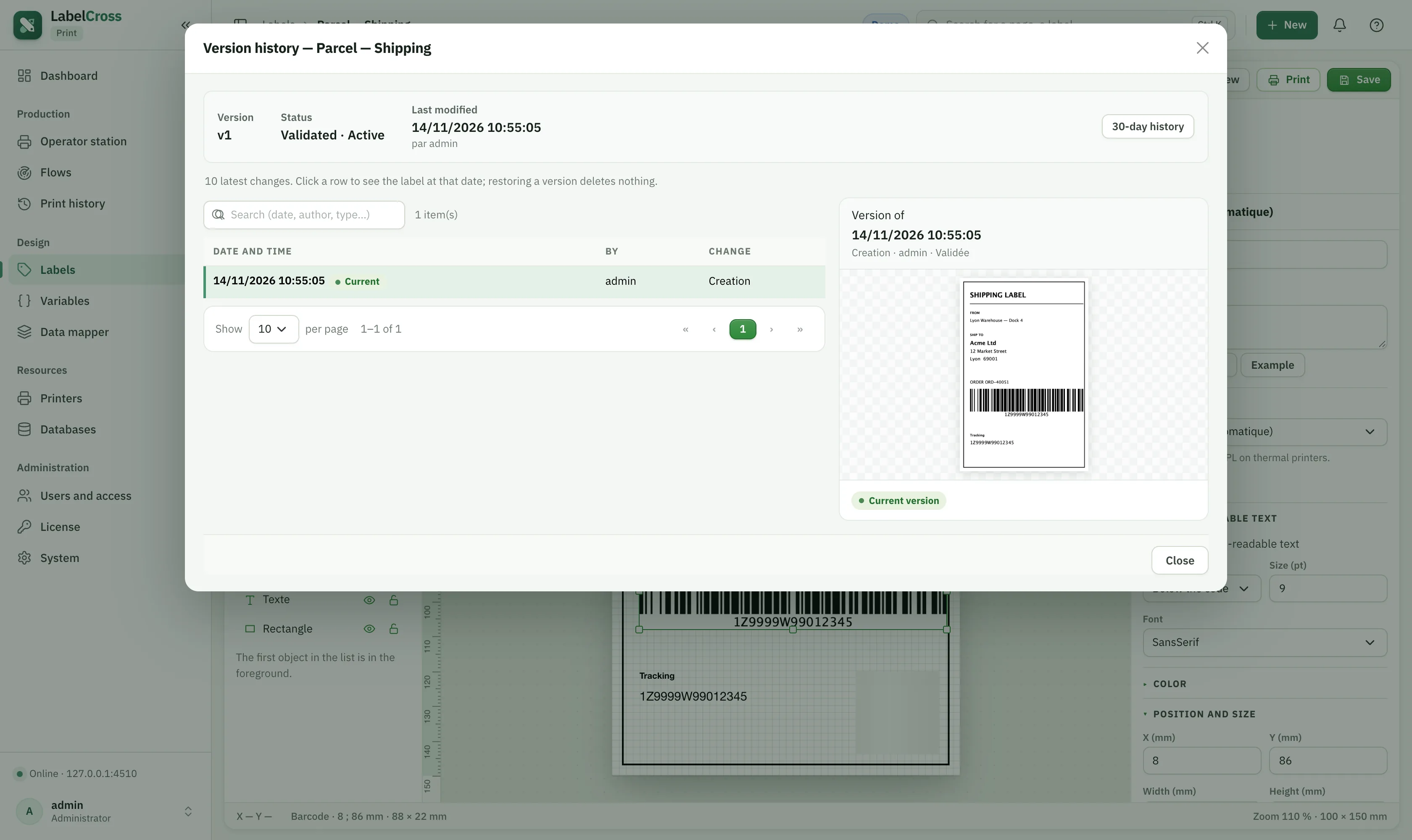
- Every save keeps the label’s history. Tick Validated version to mark the version flows and operators print.
- Create a new version to change a validated label safely — the current validated version keeps printing until you validate the new one.
- Use Versions in the ribbon to browse, compare and restore a previous version.
Trash
- Deleting a label moves it to the trash (reversible), not destroys it.
- Open the Trash button on the Labels page to restore or permanently delete a label.
- Set an automatic purge (3, 7, 10, 30, 60, 90 days or Never).
🔒
Trash access is controlled by the Manage the label trash permission.