Documentation › Administration › License
License
Unlock the service and set your limits.
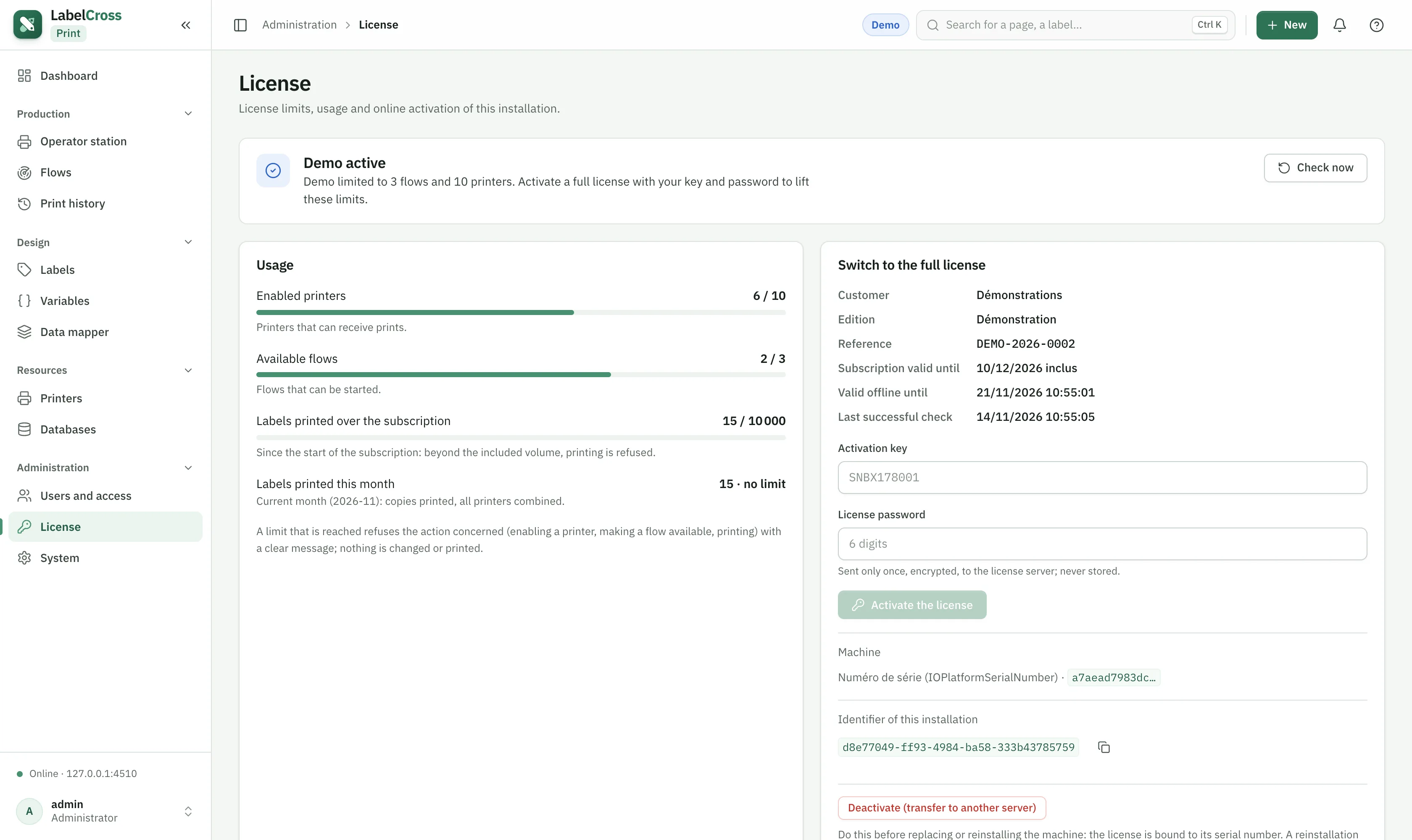
- Go to Administration › License.
- Activate license: enter your license key and password. Activation binds the license to the machine’s serial number.
- No internet to try it out? Start a demo (reduced limits, time-limited).
The license defines the maximum number of enabled printers, flows and monthly prints. Reaching a limit blocks adding/enabling more until you free a slot or extend the license. If the license is missing or invalid, the service stops and no flow runs.