Documentation › Labels › Objects reference
Objects reference
Every object you can place on a label, from the Insert tab.
| Group | Objects |
|---|---|
| Text | Text (single line) and Paragraph (multi-line, wrapping). Font, size, bold/italic/underline, alignment, fit and wrap. |
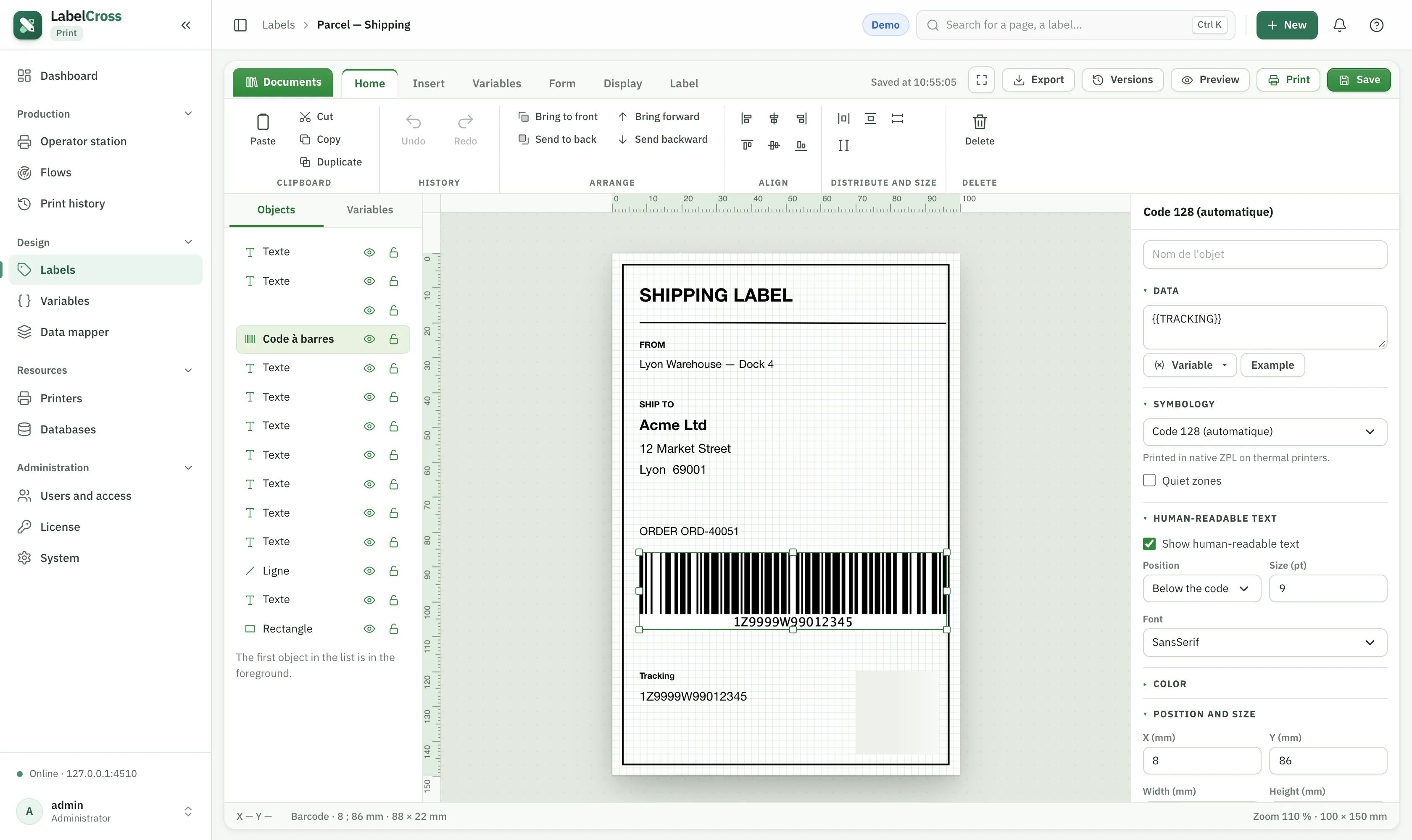
| Codes | Barcode (1D), QR code and DataMatrix (2D). Choose the symbology, bind the data to a variable, toggle human-readable text and quiet zones. |
| Lines | Horizontal, Vertical and Oblique lines, with thickness and style. |
| Shapes | Rectangle, Rounding (rounded rectangle), Ellipse and Circle, with line and fill. |
| Image | Image — a logo or picture, fixed or driven by a variable. |
| Dynamic fields | Date (formatted), Counter (auto-incrementing) and Calculated field (a formula). |
Supported barcode symbologies
1D: Code 128 (A/B/C), Code 39 (and extended / mod 43), Code 93, Code 11, Code 32, Codabar, Interleaved 2 of 5 and other 2-of-5 variants, MSI, GS1 DataBar family, EAN-8/13, UPC-A/E, GS1-128. 2D: QR Code, DataMatrix, PDF417, Aztec, MaxiCode, and postal codes (Australia Post, Royal Mail…). The pre-print check validates the data against the symbology before sending.