
Documentation › Labels › Variables & groups
Variables & groups
Placeholders filled with real data at print time.
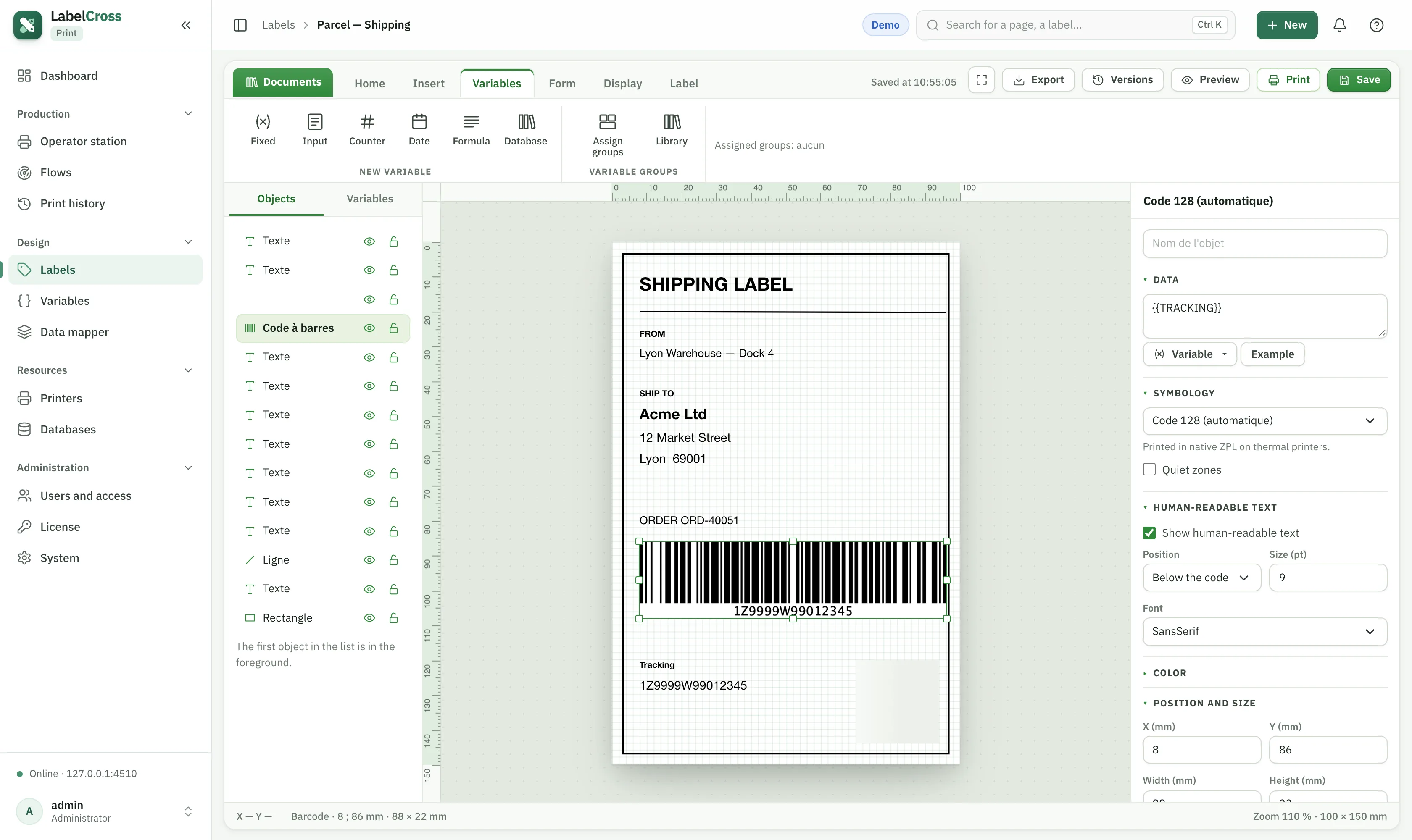
- Write a variable as
{{NAME}}, or{{[Name with spaces]}}for names with symbols. - On the designer’s Variables tab, give each a readable label and an example value used in the preview.
- Create reusable variable groups in Design › Variables and assign them to several labels (right panel → Assign groups).
- System variables prefixed with
@(e.g.@PRINTER_NAME,@LABEL_NAME) come from the data or the flow.
⚠︎
A variable missing from the incoming data prints blank — never with a default value. Enable the strict pre-print check, or use
DEFAULT(), to avoid surprises.