
Documentation › Flows › Processing
Flow processing
What the flow does with each message.
| Step | Description |
|---|---|
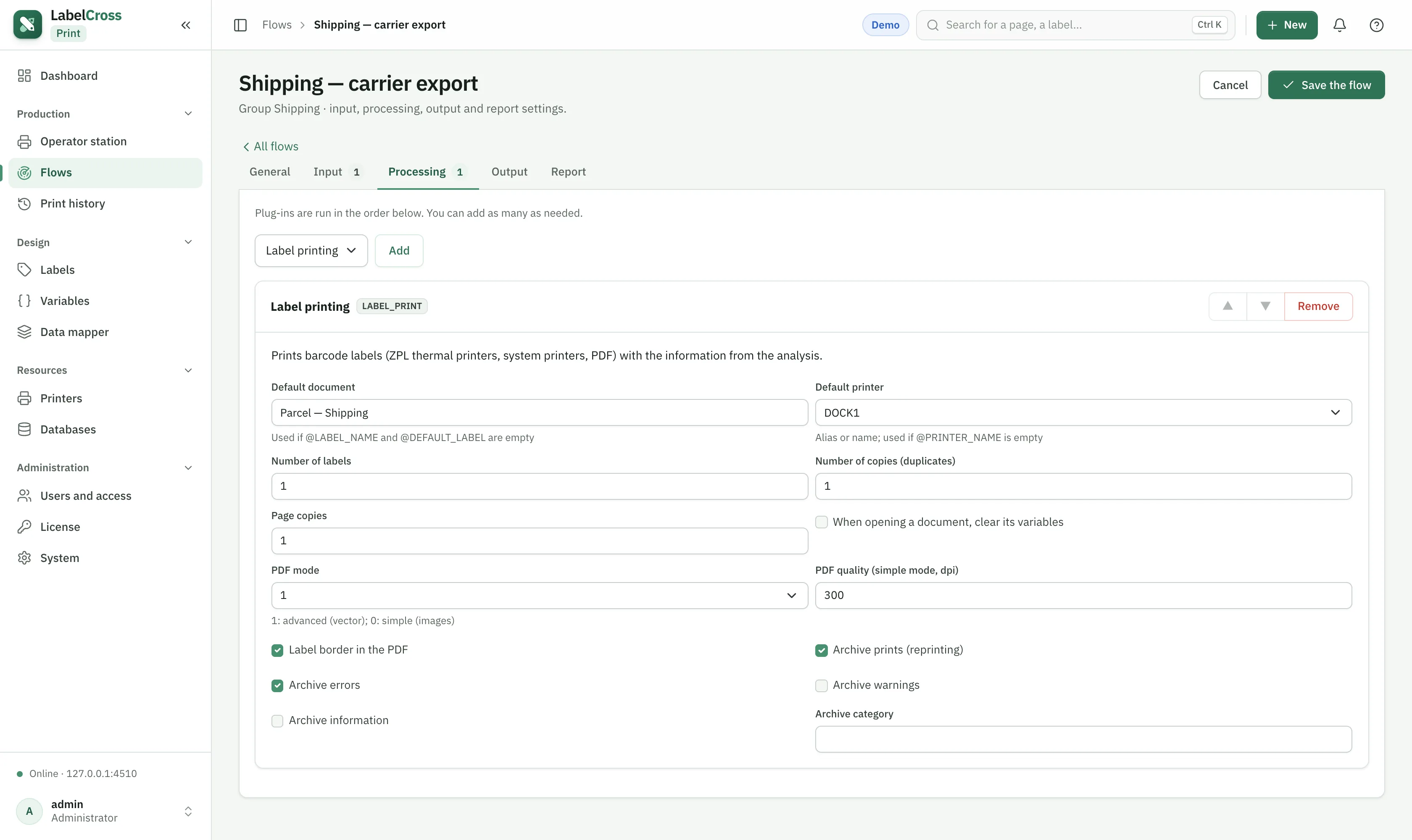
| Label printing | Print a label document on a printer. Set the default document and default printer (overridable with @LABEL_NAME / @PRINTER_NAME from the data), the quantity, copies and archiving options. |
| Label image export | Render the label to an image file (PNG/JPG) instead of printing — for previews or downstream systems. |
| Database | Read or write a database as part of the flow (look up a value, log a result). |
| Send an email during processing. | |
| Web service client | Call an external HTTP/REST service and use its response. |
💡
A printer appears on the operator station only when it is attached to exactly one started flow with a single Label printing step.