Documentation › Security › Users
Users
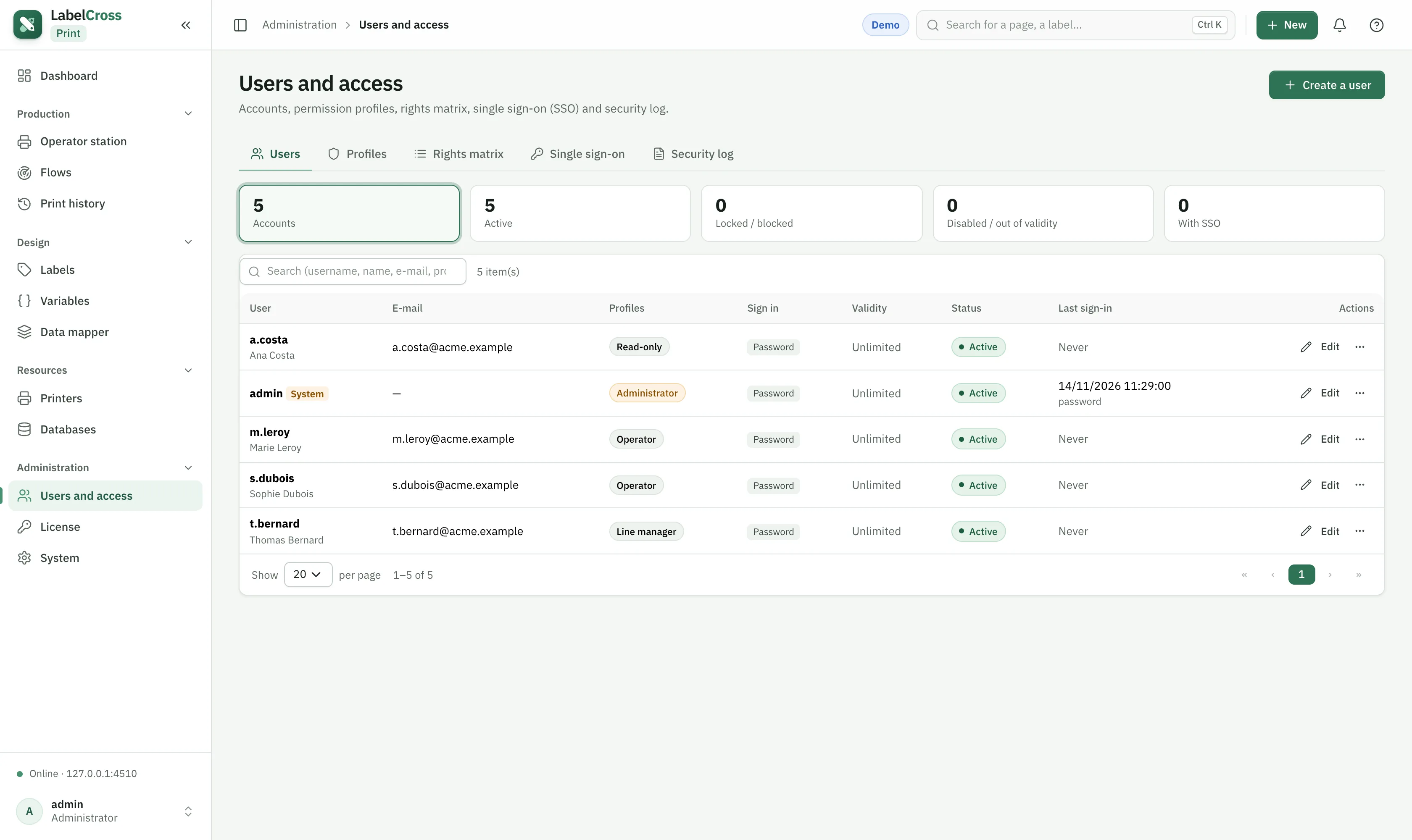
- Go to Administration › Users and access → Users.
- Create a user: username, display name, email, a temporary password, and one or more profiles.
- The user changes their password at first sign-in and picks their own language.
- Disable a user to block access without deleting the account.